Self-hosted
Runs on your VPS, your cloud or your own hardware. The data never leaves where you put it.

PlikShare is an open-source, self-hosted file-sharing platform. Run it on your own infrastructure. Unlimited users, unlimited workspaces, no per-seat pricing, no vendor lock-in.
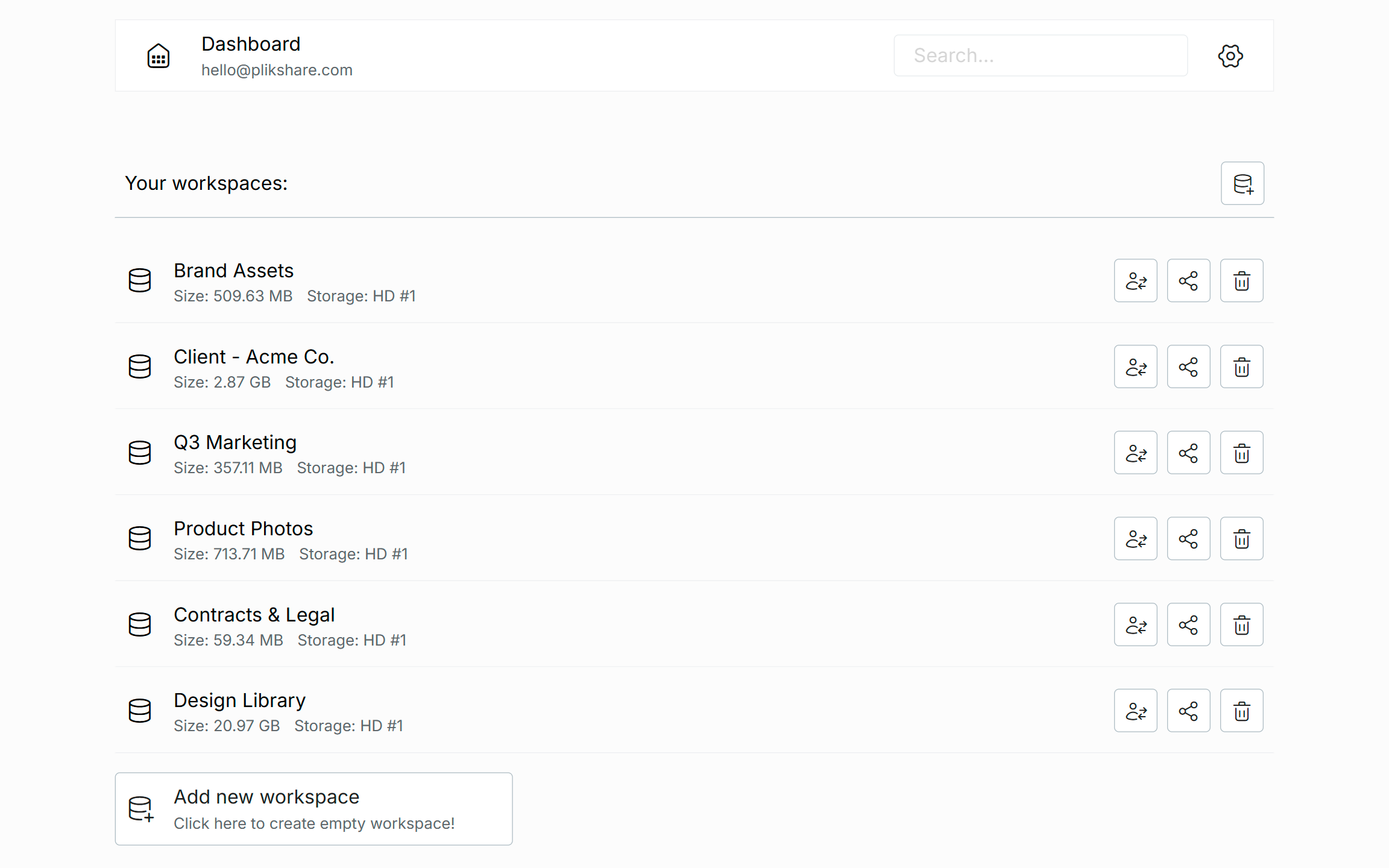
docker pull damiankrychowski/plikshareamd64 · arm64Runs on your VPS, your cloud or your own hardware. The data never leaves where you put it.
Licensed under AGPL-3.0. Read it, audit it, fork it. No black boxes, no telemetry.
Users, workspaces and files. No seat counting, no usage tiers, no surprise invoices.
Per-storage encryption - up to full encryption, where neither the database nor file storage ever holds plaintext.
PlikShare is not a thin demo. It ships a complete file platform out of the box.
VPS disk, AWS S3, Cloudflare R2, DigitalOcean Spaces, Backblaze B2, Azure Blob, Google Cloud Storage.
None, server-managed AES-256-GCM, or full encryption with keys derived from your password.
Sign in with Google, Keycloak and other OIDC providers, or enforce SSO-only login.
Turn any folder into a controlled sharing surface with granular permissions.
Send files with a link - custom slug, expiry, password and a download cap.
Per-workspace trash with a configurable retention window and an automatic sweeper.
Every action recorded, with a per-event policy you tune for severity and noise.
PDFs, video, audio, markdown with Mermaid diagrams, and browsing inside ZIP files.
AWS Textract OCR and ChatGPT - extract text from documents and query your files.
Protect accounts with TOTP authenticator codes and single-use recovery codes.
Scoped admin roles, plus per-link box access - upload-only, download-only, preview-only or full.
Upload a ZIP to have it unpacked, or select a whole file tree and pull it down as one archive.
Organize files into workspaces and invite members by email or a shareable link.
Edit markdown files right in the browser - the one file type PlikShare lets you change in place.
Decide per user which storage backends they may create workspaces on.
Upload your own Terms of Service and Privacy Policy, and add any number of required or optional consent checkboxes to the registration form.
Drag files in to upload, drag items to reorder, and move several at once between folders.
Pin a note to any file and leave comments on it. The context travels with the file instead of getting lost in a separate chat.
View any folder as justified, mosaic or grid layouts, with a fullscreen lightbox, slideshow and zoom - virtualized for tens of thousands of photos.
A miniature overview beside the scrollbar with a draggable viewport - jump across thousands of files in the list or the gallery in one motion.
Connect Claude, ChatGPT and other agents over the Model Context Protocol - scoped tokens, per-tool permissions and human-in-the-loop approval.
PlikShare speaks the Model Context Protocol. Connect Claude, ChatGPT or any MCP agent and let it work in your files - but only where you allow, and only with your approval where you require it.
scoped token · only the workspaces & boxes you grant · writes can wait for your approval
Each agent gets a rotatable API token, shown once at creation. It reaches only the workspaces and boxes you explicitly grant - and you cap how many workspaces it may create, how big, and on which storages.
Mark any tool "needs approval". The agent's request lands in your Agent requests inbox with a full preview of exactly what it will touch - and it runs only once you approve.
Enable or gate each tool per agent, then override it per workspace, then per box. The most specific level wins. Destructive tools require approval by default; creating workspaces is off until you turn it on.
searchreadread_filereadlist_workspace_contentreadcreate_filewritemove_itemswritecreate_share_linkwritebulk_deleteapprovalinvite_workspace_membersapprovalAgents never touch storages that use full encryption - those keys come from a human password and stay that way. And every action is logged under the agent's own identity, reads included - so you can see exactly what an agent looked at, not just what it changed.
Every feature is here on purpose - chosen for the way you actually work, and obsessed over for performance: it stays fast even when a folder holds tens of thousands of files.
Point each storage at the backend that fits - a humble VPS disk or any major object store. Mix several in one installation and pick per workspace.
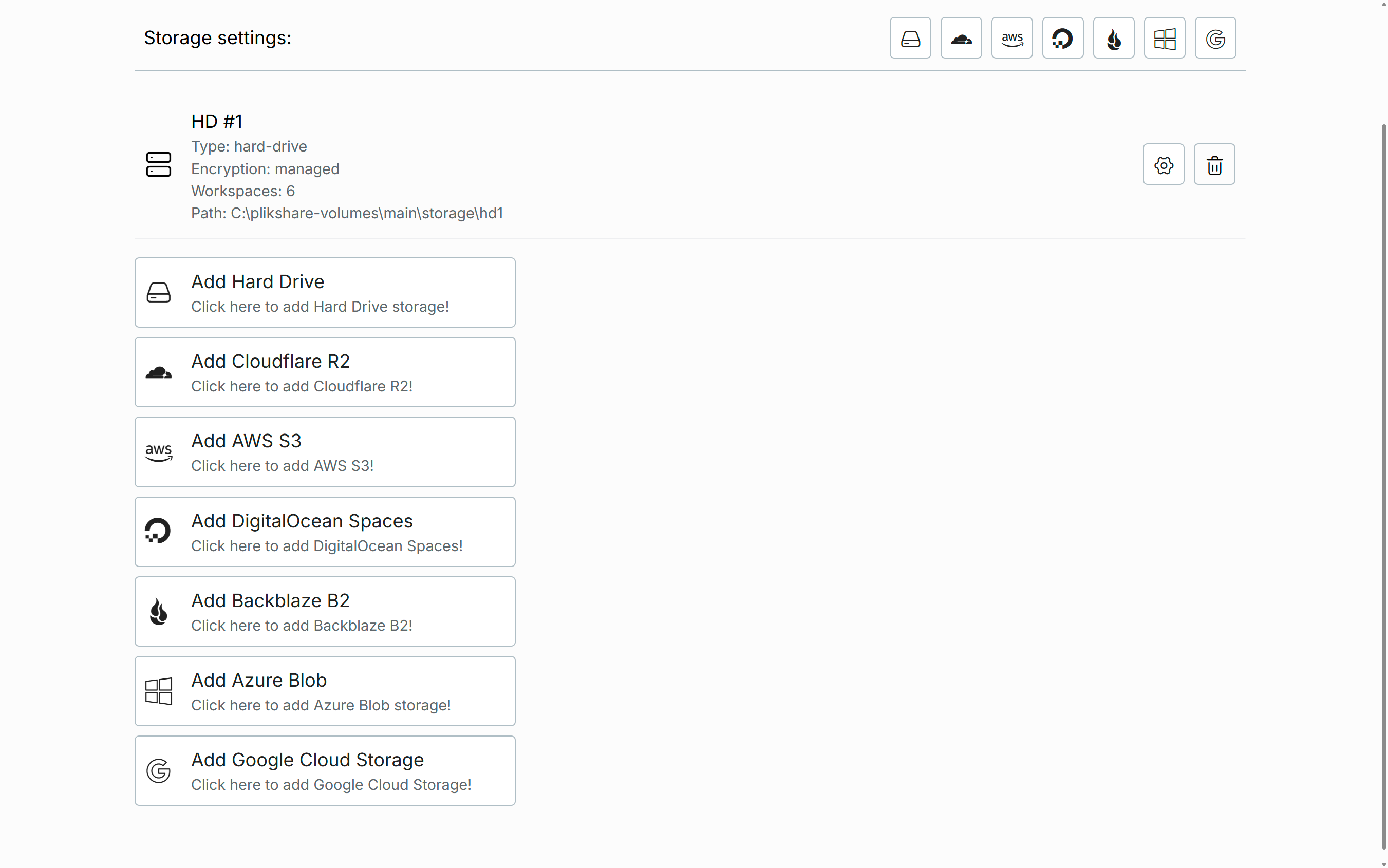
Encryption is chosen per storage, so different data can carry different guarantees in the same installation.
No server-side encryption. Files stored as-is, with direct client-to-storage transfers.
AES-256-GCM with a managed key. Files encrypted at rest before they reach storage. Read the technical breakdown →
Files, names and metadata encrypted with keys from your password. The database and storage never hold plaintext. Read the technical breakdown →
Upload a ZIP and PlikShare unpacks it into folders for you.
Going the other way, tick any mix of files and folders in the tree and pull them down as a single archive. No clicking through items one by one.
PlikShare previews PDFs, video, audio and text in the browser, renders markdown with Mermaid diagrams, and lets you step inside ZIP archives to preview their contents.
Markdown files can even be edited in place. The first step toward a workflow built for both people and AI.
Pick files and folders, generate a share link, and decide exactly how it behaves: a custom URL slug, an expiry date, a password and a maximum download count.
Recipients get a clean browseable preview - a file tree, per-file previews and an optional one-click ZIP bundle - without an account.
A deleted file lands in the workspace Trash, not the void. Restore it to where it was, or anywhere else, in a click.
A configurable retention window quietly purges old trash on its own, and every automatic purge is recorded in the audit log.
A box turns any folder into a controlled sharing surface. Invite teammates by email - each gets a named account with the access you grant - or open the box to the world via an anonymous link.
Mix scopes per member or per link: upload-only intake, download-only delivery, preview-only review, or full collaboration. All audited, all changeable, all live. The box reflects the new rules the moment you save them.
Spin up a box, decide what's inside, pick who can do what. Then copy the <plikshare-box-widget> snippet and paste it into your page.
Visitors get the same browser, uploads and previews the box allows. Change the permissions any time and the embed reflects it instantly.
PlikShare records more than 130 event types - every upload, share, deletion, sign-in and setting change - so you always know what happened, when and by whom.
Tune it with a per-event policy: mute noisy events, override severity, and set it for the whole installation or per workspace. The editor even shows each event's 30-day volume, so you can see what's worth keeping.
Add the optional FFmpeg image and PlikShare renders a small thumbnail for each picture, shown right next to its name in the file list - so you recognise the one you want without reading filenames. Skip the image and everything works exactly as before; it's purely opt-in.
Already sitting on folders of photos? Generate their thumbnails in bulk in a single pass, and the whole folder lights up at once.
Flip the explorer into gallery view and your photos arrange themselves - justified rows, a mosaic with oversized hero shots, or a clean grid. Fully virtualized, so a folder with tens of thousands of photos scrolls without breaking a sweat.
Click a photo and the lightbox takes over: fullscreen browsing, slideshow, zoom, full resolution only when you ask for it. Copy the URL to share the exact photo you're looking at - and since boxes and widgets speak gallery too, your clients get the same experience on their side of the link.
Switch on the minimap and a tiny overview of the entire folder appears next to the scrollbar. One look shows you everything at once. Scroll it, click anywhere, or drag the little viewport up and down to jump across thousands of files in a single motion.
It works in both the file list and the gallery, and shows real image previews right inside the map - so you can pick out the file you want from its shape and colour alone. Point at the map to highlight the matching file - or point at a file to spot it on the map. Turn it on from the display menu and PlikShare remembers your choice.
One Docker image, AMD64 and ARM64. Configure an email client and a storage. That's the whole setup.
Run the install script or pull the Docker image onto your server.
Connect a storage backend and pick the encryption mode that fits.
Invite teammates by email, SSO, or just share a sign-up link.
<plikshare-box-widget> web component. Visitors get the same browser, uploads and previews the box allows, with permissions you control. Change permissions anytime - the embed reflects it instantly. The widget on plikshare.com itself is a live example.Managed PlikShare is the same open-source platform, set up and looked after by its creator. Describe your team and your files, and we'll come back with a plan.
Free, open source and yours to keep. Install it on your infrastructure and take file sharing back.